Design Dawn
Design docs app · Markdown · Mermaid · Git · MCP
Lay it out freely. Write it with AI.
Design Dawn is a free, open-source desktop app for design documents. Place notes (Markdown), Mermaid diagrams and images anywhere on a free-form canvas, and let AI tools such as Claude, Codex, GitHub Copilot and Cursor help — only where you allow. Everything stays as plain files on your machine.
A Markdown and Mermaid editor built for design docs
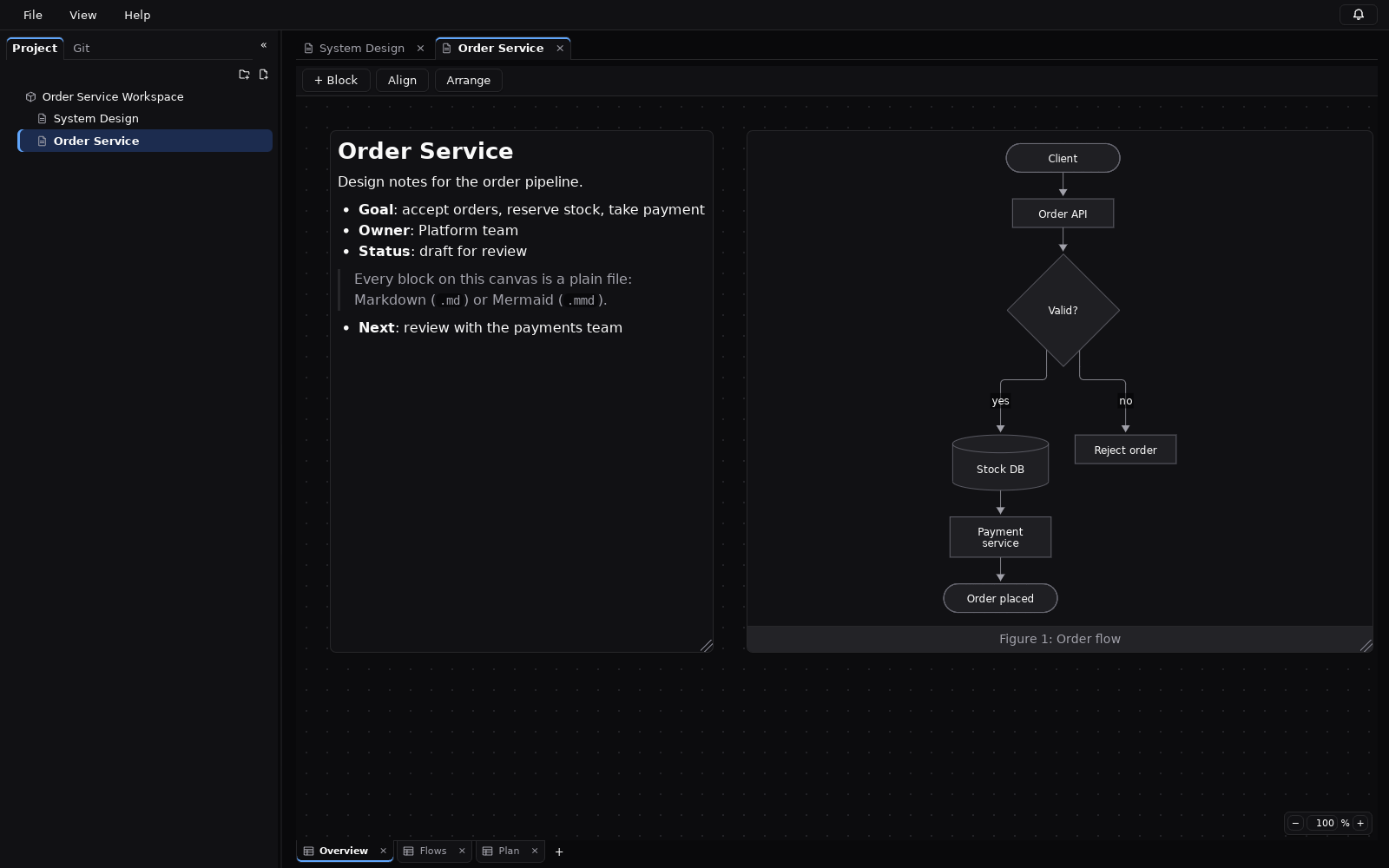
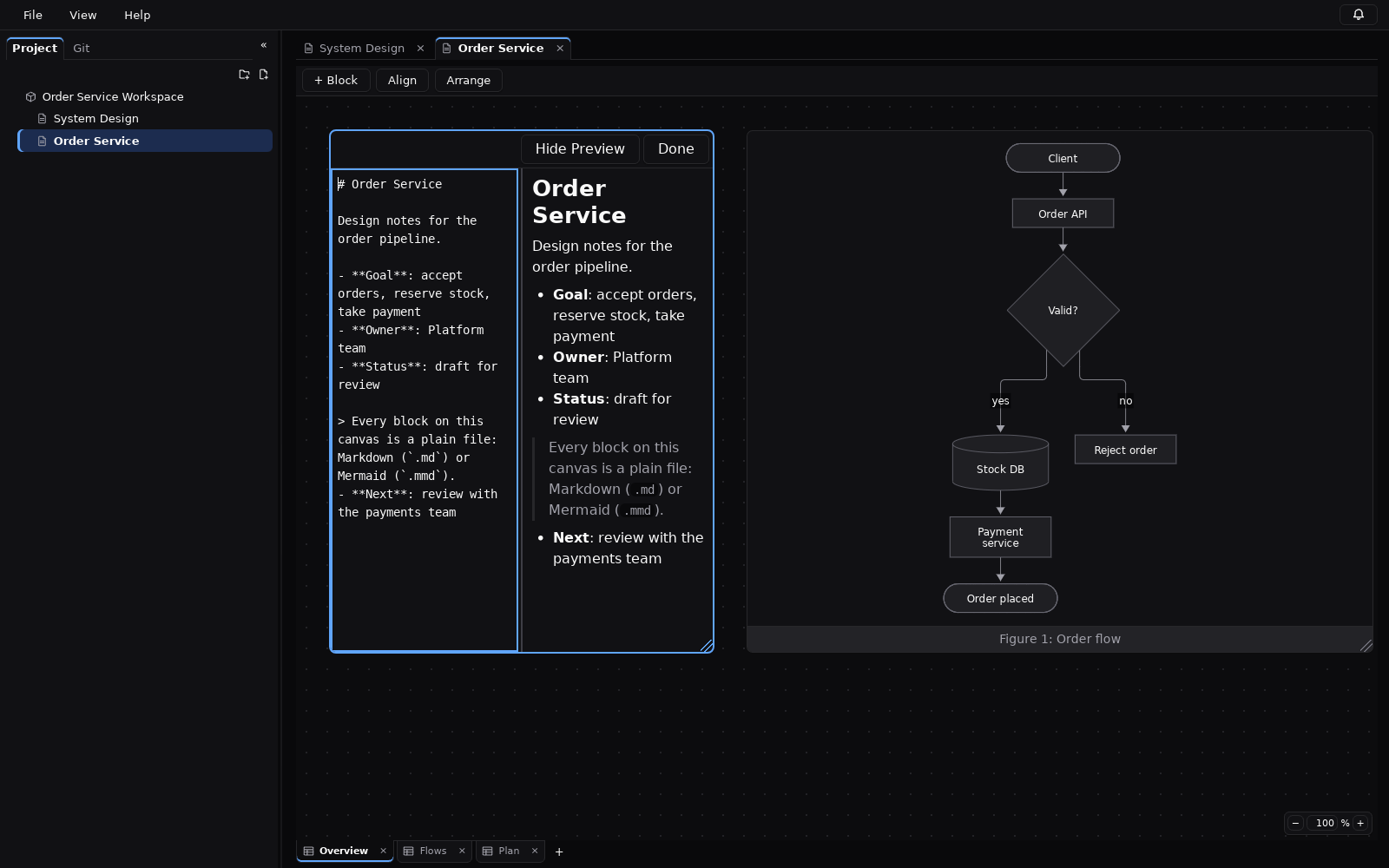
A document is a set of sheets; each sheet holds freely placed blocks. Edit text, diagrams and screenshots side by side instead of in one long scroll.
Free-form canvas
Pan, zoom, select, move, resize, align and reorder blocks, with undo/redo for every edit.
Project tree
Documents in folders, several open at once; drag rows to reorder or move them.
Markdown blocks
Rendered on the canvas; split source/preview editor while you write.
Mermaid diagrams
Any Mermaid diagram, rendered locally and sanitised — no network, no scripts.
Mermaid GUI editor
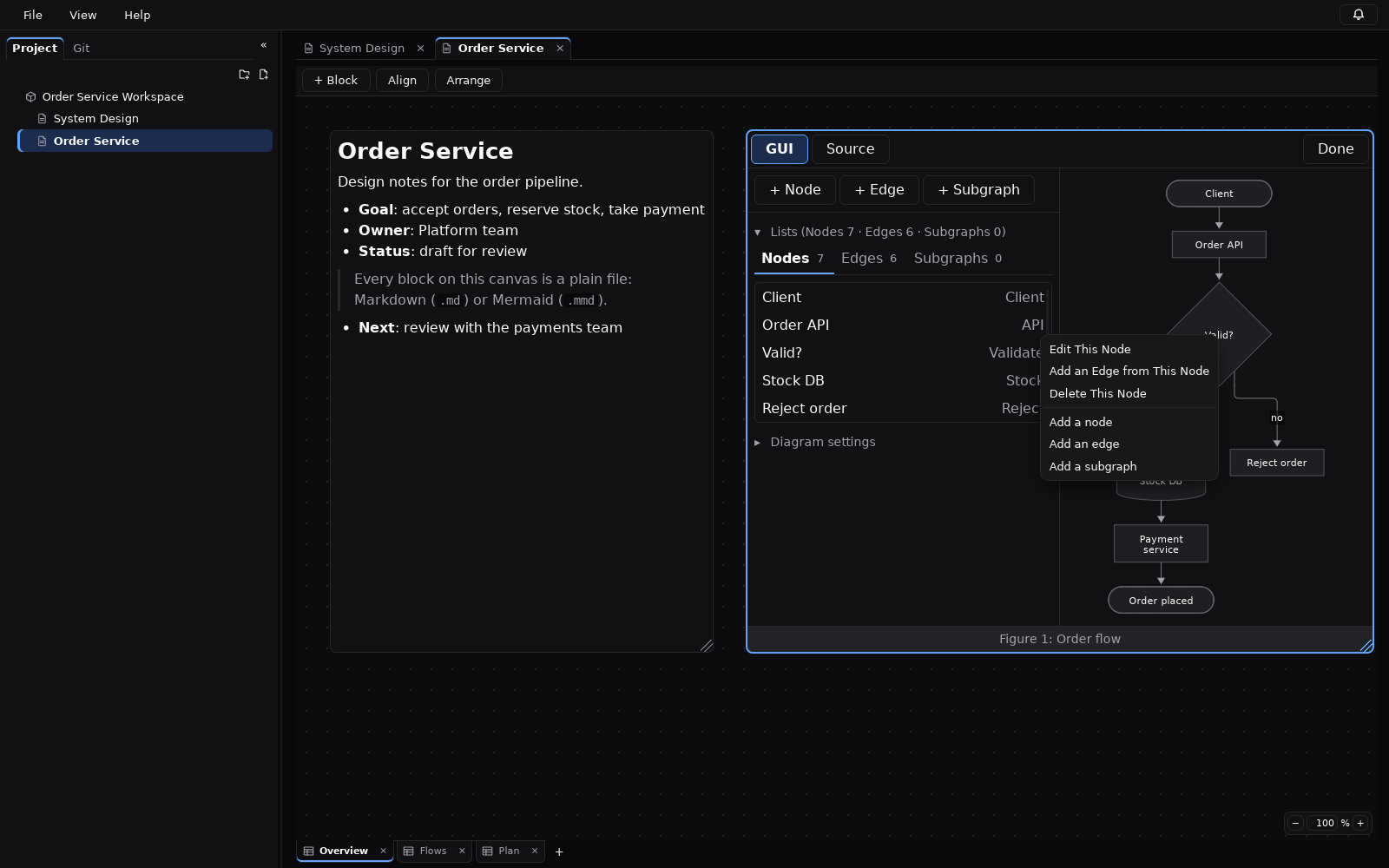
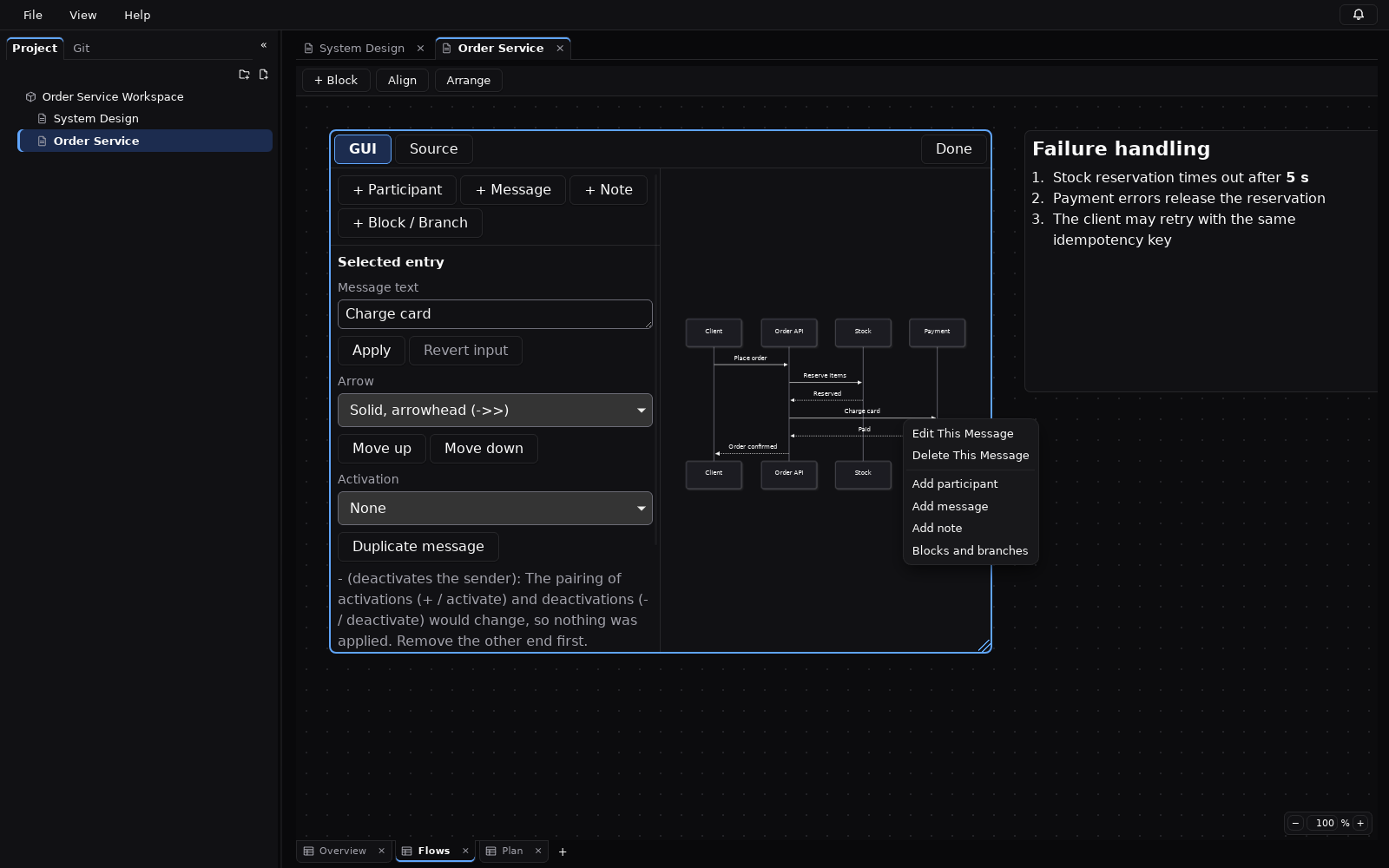
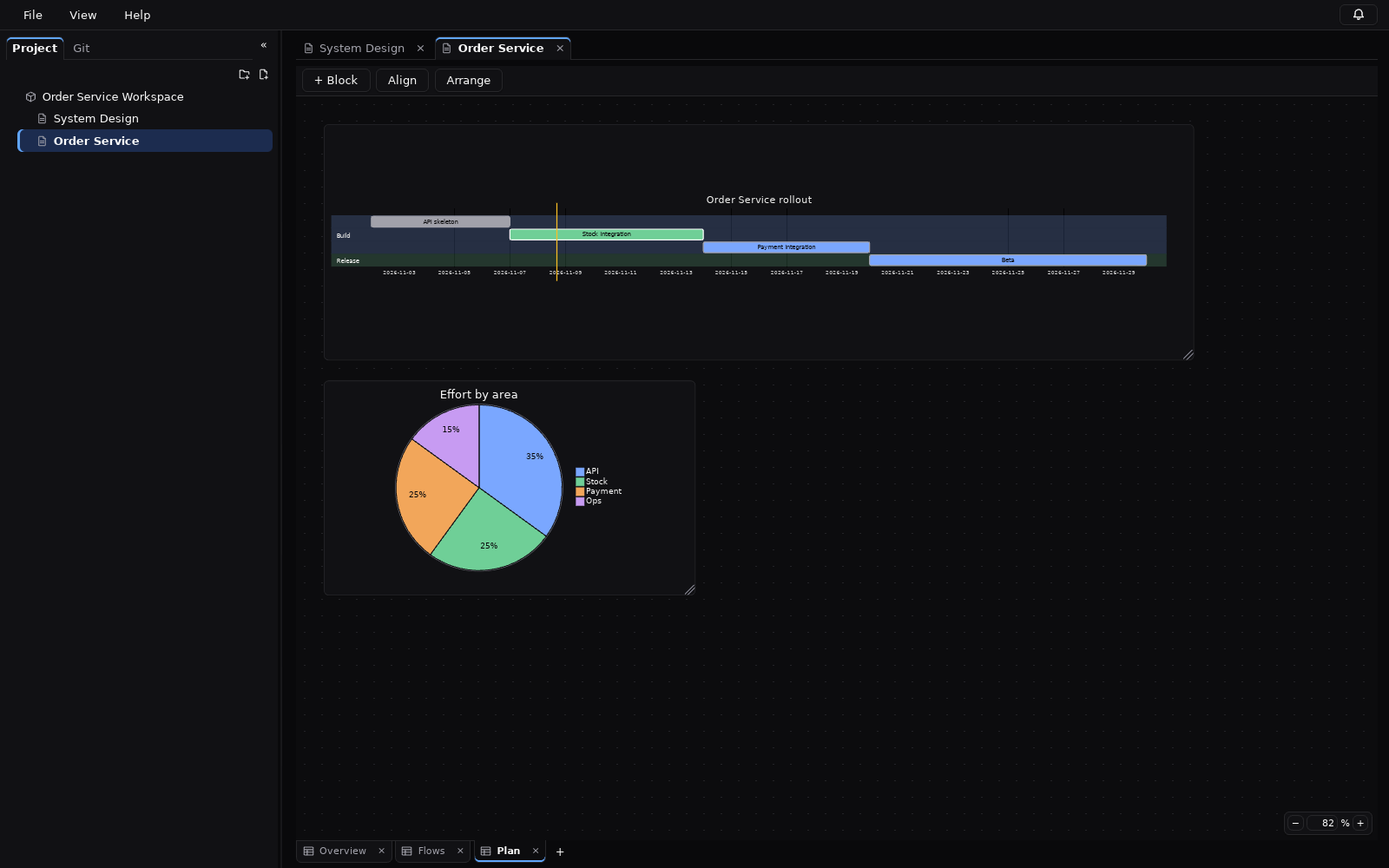
Edit flowcharts, sequence diagrams, Gantt and pie charts with lists and property fields. The Mermaid source stays the single source of truth.
Git integration
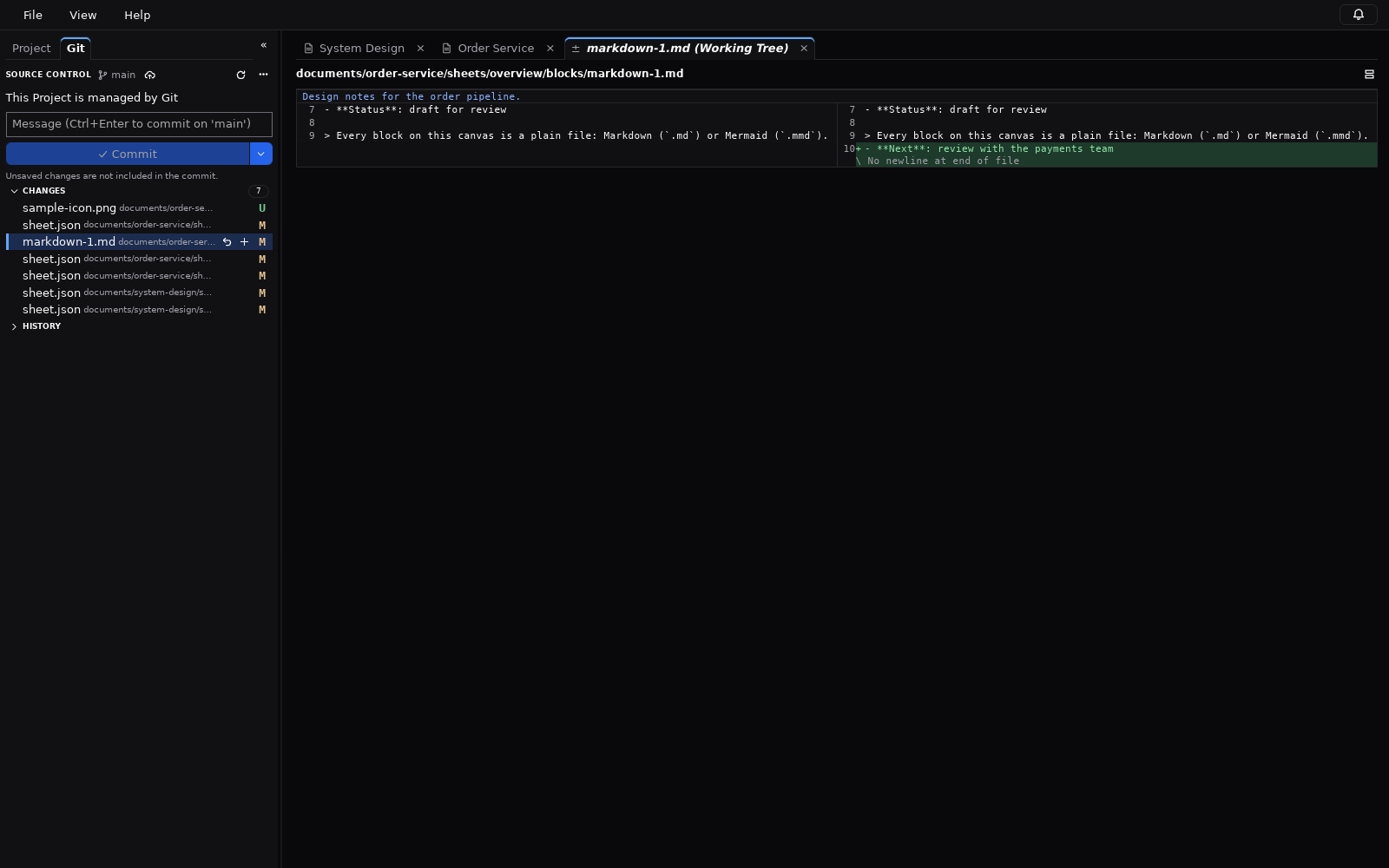
Status, stage, commit, history, side-by-side diffs, fetch, pull and push without leaving the app.
External change detection
Edits from another editor, Git or an AI tool are picked up; reload, keep yours or compare.
Images and captions
PNG, JPEG, WebP, SVG and GIF by drag and drop, with one-line captions for figures.
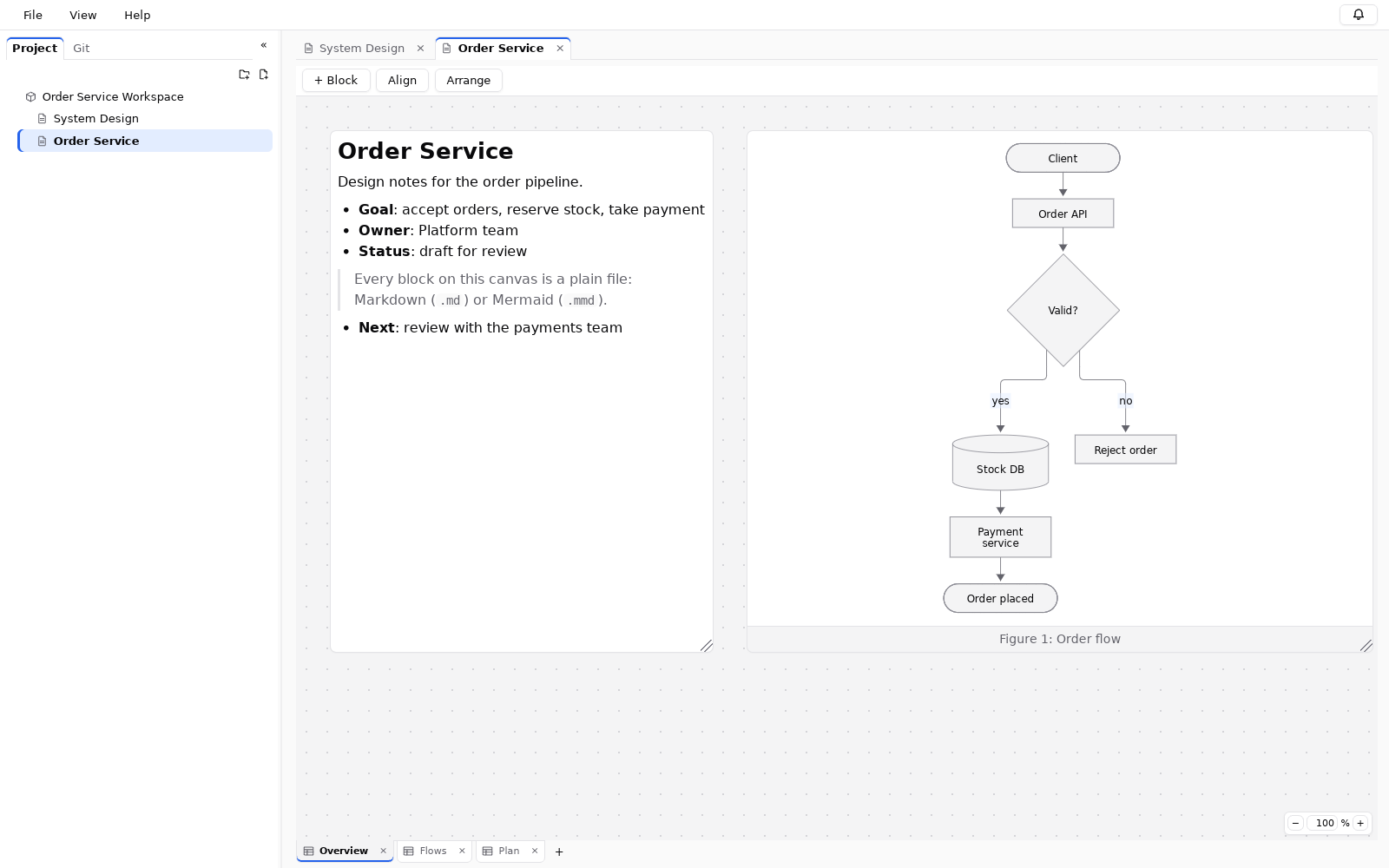
Light / dark, English / Japanese
Both themes and both UI languages are built in.
Screenshots
Diagrams you can edit without memorising syntax, and diffs that stay readable.
Plain files you can track like source code
Each note is saved as a .md file and each diagram as a .mmd file; the layout goes into small JSON files.
You can open them in any text editor, and with Git you can see exactly what changed in a design and review it in a pull request,
the same way teams review code (often called “docs as code”). A person or an AI can change one block without touching the rest.
Every document, sheet and block keeps the same ID for life, so renaming one never breaks the files around it.
No proprietary database and no lock-in: if you stop using Design Dawn, your documents are still Markdown and Mermaid.
my-project/
├── project.json
├── system-design.dawn
└── documents/
    └── system-design/
        ├── document.json
        ├── assets/
        └── sheets/
            └── overview/
                ├── sheet.json
                └── blocks/
                    ├── markdown-1.md
                    └── mermaid-1.mmd
Let AI read and edit your design docs (MCP)
design-dawn-mcp is a local MCP server (stdio only, no network port) that lets
Claude, Codex, GitHub Copilot, Cursor and other MCP clients read and edit the projects you offer to them.
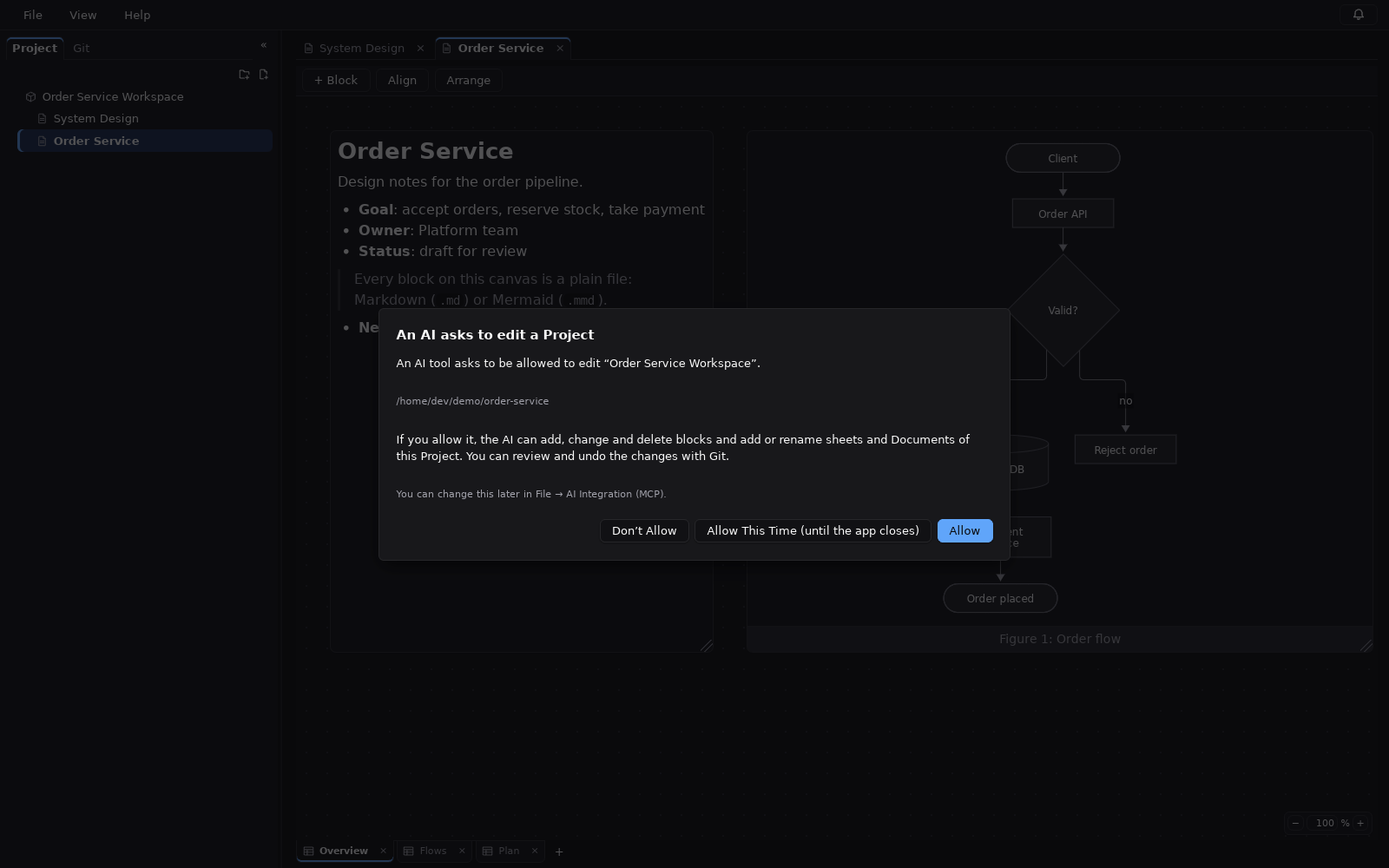
Every project is read-only for AI until you allow editing. An AI can ask for write access, but only your answer in the app counts. Edits use content hashes, so concurrent changes become conflicts instead of silent overwrites.
claude mcp add design-dawn -- /path/to/design-dawn-mcp